
Designing Application and Content
There is a significant challenge in the ‘when’, ‘what’, and ‘how’ of the design and implementation of applications and content. According to Alexander et al. in Grand Challenges in Shape-Changing Interface Research we can break this challenge into the four parts described below.
When should we apply shape-change?
Sometimes there is a clear benefit from using physically-dynamic interfaces in interaction scenarios, but sometimes traditional interfaces should be used instead. First, it’s a good idea to clarify the tasks users might want to solve by interacting with your application by doing a task abstraction. Next, you can draft a traditional and a physically-dynamic interface to solve these tasks and compare both approaches.
What shape-changes should we apply? Key benefits of shape-changing interfaces is their ability to transform into a broad variety of shapes or forms. The space of possible shapes has to be designed with respect to the meaning it conveys, i.e. what are the semantics of a specific shape change? Currently there is a lack of understanding as to what types of change should occur in more abstract or generic circumstances (where shape may not naturally represent content).
What applications should we build? This is about identifying and exploring key application domains that provide clear benefits and routes to end-user engagement. Each SCI technology such as an actuated, flexible, elastic or embedded display is suited for specific domains and “killer applications”. Read about the advantages and disadvantages of each technological approach and discuss which one is best suited.
How do we design the content for those applications? In an early state it will do the trick to use rather general brainstorming techniques to identify possible application scenarios, i.e. by using Mindmaps or Picture Collections. Later on, use Personas and Scenarios to bring the needs of the user into harmony with the application context. Before the application is implemented we suggest to make use of an appropriate prototyping technique such as using an emulator to test the application’s behaviour.
Example
Content Design for Elastic Display Application
To design the content for a layer-based application on an elastic displays, we conducted an online workshop with MIRO. The application focuses on the testing of possibilities for collaboration, visualization, data manipulation and persistence, linking of data as well as marking, zoom and filtering. For this purpose it had to be answered whether the application should be realized as a table or wall display and which data would support our particular task.
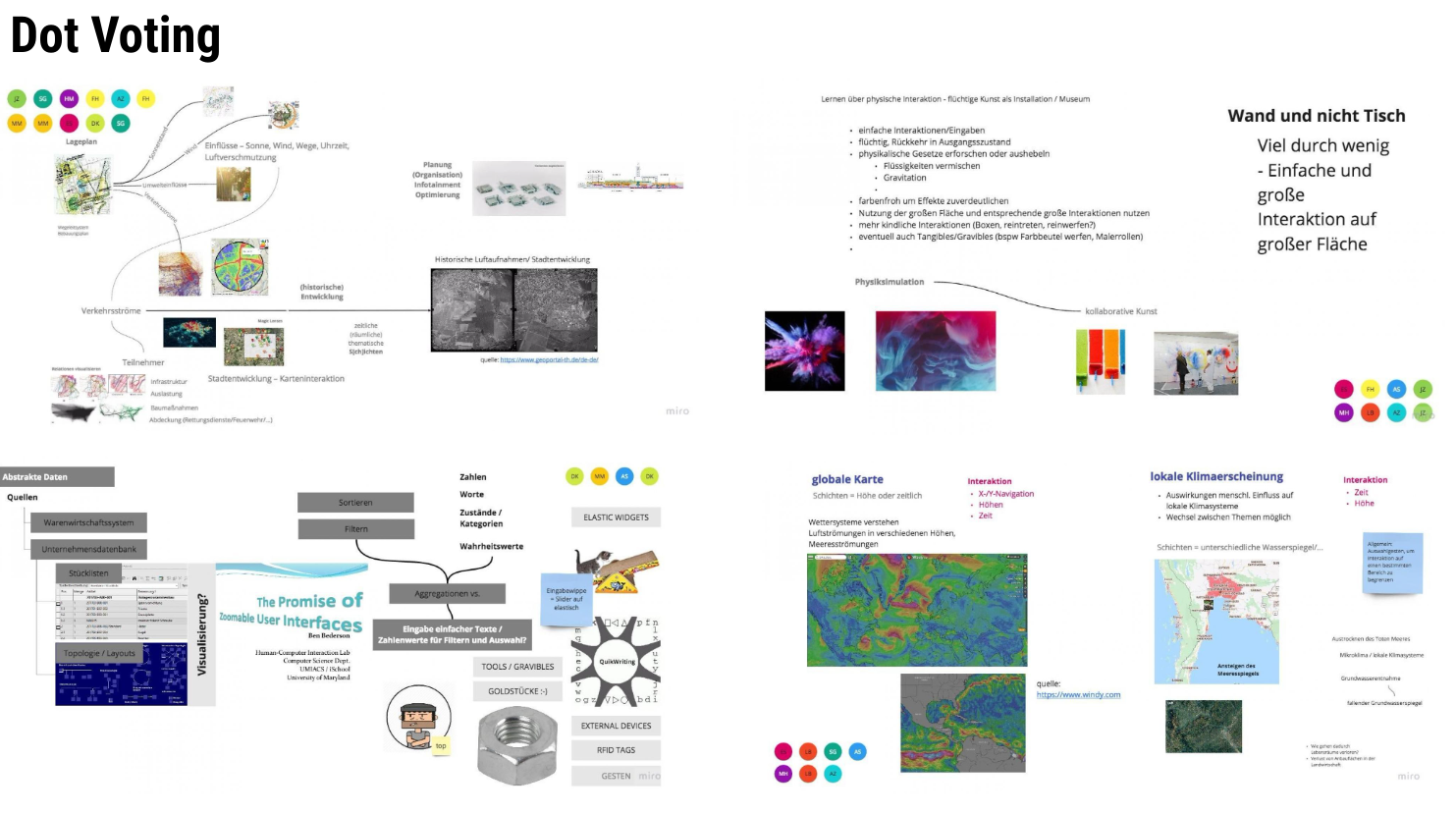
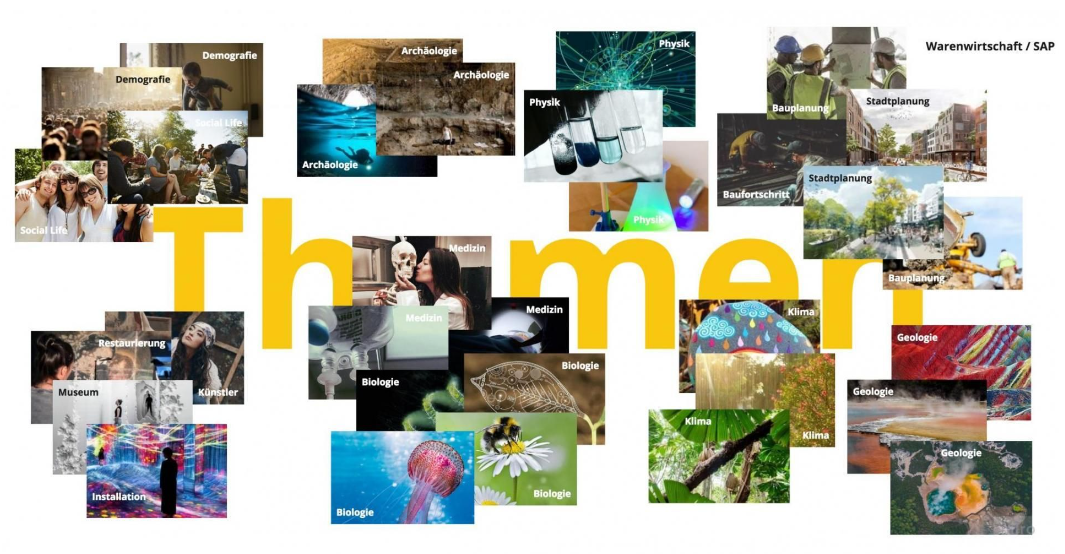
Outline. Prior to the workshop, a mood board with possible topics was created for inspiration. In a mixture of both individual and collaborative free drawing on digital canvas, we identified four application domains in which layered data is used in collaborative contexts:
- urban planning
- museums / art
- climate
- data management
Results. Using dot voting technique, we finally decided on urban planning scenario and optional integrate climate issues. Art and data management were considered to be suitable for the visualization of abstract data in a separate use case.